
search
|
Log in
PM_PA_Logo
Platform
Software
Software

Streamline your workflows with PaceMateLIVE

Ambulatory
Ambulatory

Ambulatory and cardiac monitoring solution

Service
Services

When You're Off, We're On

PaceArt_Optima-removebg-preview
PaceArt Optima

Cardiac data management

Data & Analytics
Data & Analytics

Data that Makes a Difference

Solutions
Physicians
For Physicians
Research
Administrators (1)
For Administrators
Clinic Staff
For Clinic Staff
IT
For IT
Vector (33)
By EHR
ATHENA-1
AthenaHealth
EPIC
EPIC
CERNER
Cerner
Pricing
Events
Learning Center
Quick Guides
Quick Guides
Webinars
Webinars
Case Studies
Case Studies
Blogs
Blogs
Videos
Videos
Company
Frame
About Us
Careers
Careers
Team
Team
Contact Us
Contact Us
Patient
Patient Portal (1)
Patient Portal
Request a Demo

Patient Support

Are you a PaceMate patient?

Call 66-PACEMATE (667.223.6283), option 1 today.

Your Cardiac
Remote Monitoring

Patients are the heartbeat of our work.

PaceMate helps your doctors monitor your heart remotely—making sure they can manage every alert from your cardiac device and giving you better care.

PLAY VIDEO—SEE PACEMATE WORK.

communications team

Our patient services team talks with remotely monitored cardiac device patients and their caretakers every day via phone, text, and email.

“I’m so glad PaceMate took over [my family member’s remote care] because they make things so easy!”

“The patient communication specialists I spoke with are absolutely terrific—couldn’t be more helpful. I know good customer service when I hear it!”

“I feel safe knowing things are working right, and when I go to bed at night I don’t worry about my monitor or pacemaker anymore.”

“What [PaceMate] reports is both accurate and complete. I have definitely seen our reports positively impact the treatment of our patients.”

“Thank you to all the PaceMate communication staff. Every time I call in, everyone is so helpful and extremely nice."

“She not only spent hours, but spent days helping us get my mom's pacemaker monitor fixed. I just can't say enough good things about her. She was awesome!”

“She was so pleasant over the phone and very patient with me.”

“I need people like her who help me with so much patience. She was very kind, very knowledgeable, and made me feel good!”


PaceMate Supports You

The PaceMate patient services team has partnered with your doctor, nurses, and other staff to help remotely monitor your implanted cardiac device.

PaceMate may call you if we’re notified that your home transmitter is not connecting or if your doctor has requested a transmission.

DAILY MONITORING + SCHEDULED TRANSMISSIONS

Each day, your cardiac device monitors your heart rhythm, collects valuable data, and reports irregularities to your doctor. PaceMate manages all device data, including scheduled cardiac device reports—called remote transmissions.

Patient Resource Library

The Journey of Your Heart Data: From Home Monitor to Healthcare Team

Read Article

Understanding PaceMate’s Patient Services Team: How We Support You

Read Article

When to Contact PaceMate® vs. When to Contact Your Clinic

Read Article

Understanding Cardiac Remote Monitoring: How Your Device Helps Keep You Safe

Read Article

How Does My Wireless Monitor Work?

Read Article

How Does My Non-Wireless Monitor Work?

Read Article

Remote Monitoring: Frequently Asked Questions - PaceMate®

Read Article

The Experts Agree: Remote Monitoring Improves Healthcare

Read Article
Visit Library
Abbott Laboratories
MerlinAtHome Transmitter
MerlinAtHome Transmitter

Setup Video →

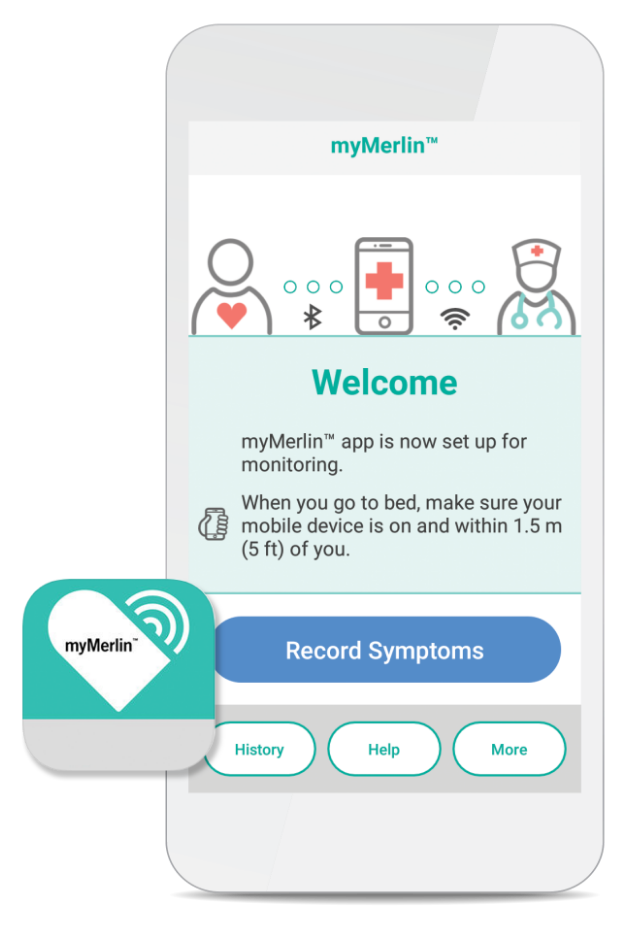
myMerlin Mobile App

myMerlin
Mobile App

How It Works →
Android Support Guide  →
iPhone Support Guide →

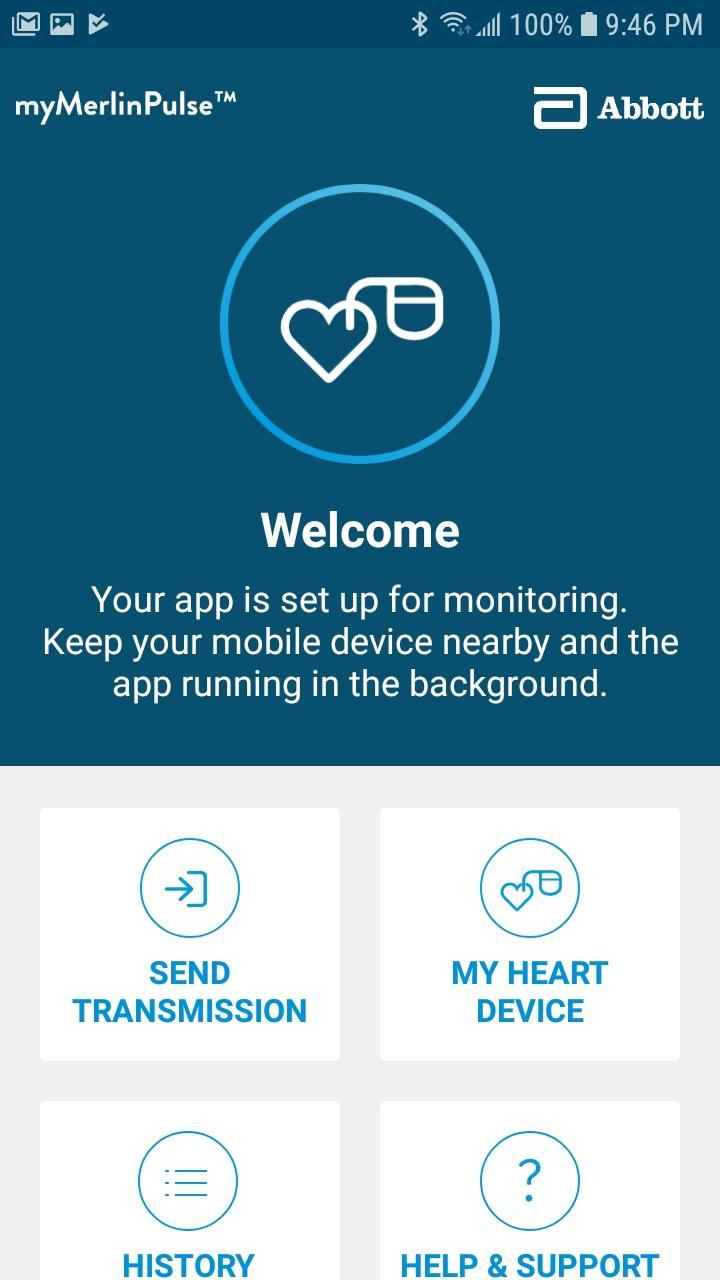
myMerlinPulse App

myMerlinPulse App

How It Works →
Android Guide →
iPhone Guide →
Pairing Your Device →
Troubleshooting →
Re-installing/Updating iOS App →

Biotronik
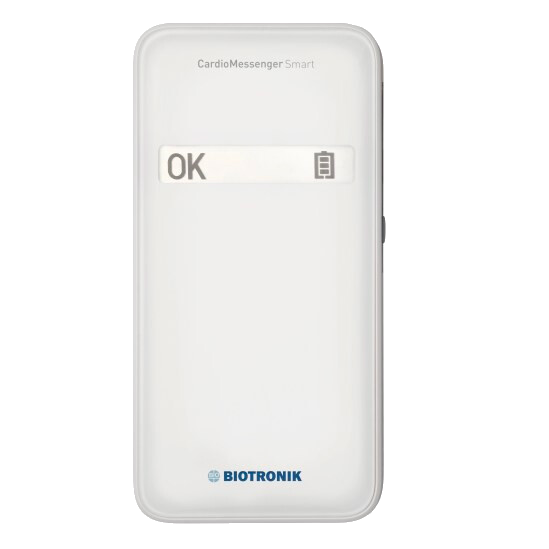
CardioMessenger Smart

CardioMessenger
Smart

Patient Information →
Technical Manual →

BIOTRONIK Patient App →

Boston scientific
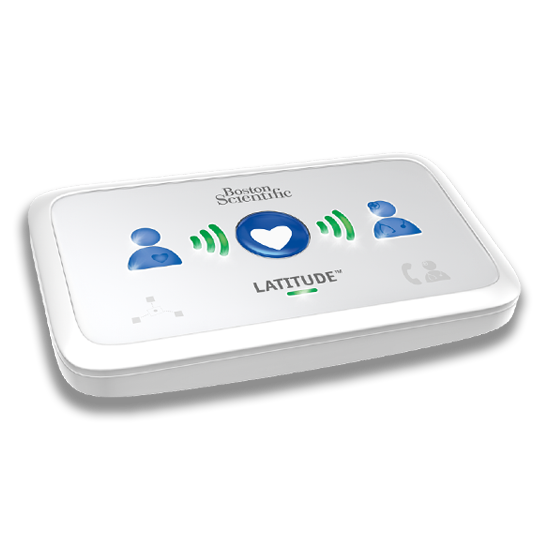
Latitude 6290 Communicator

Latitude 6290
Communicator

Patient Manual →
Manual Del Paciente →
Quick Start Guide →
Wireless Adapter Guide →
Indicator Lights →

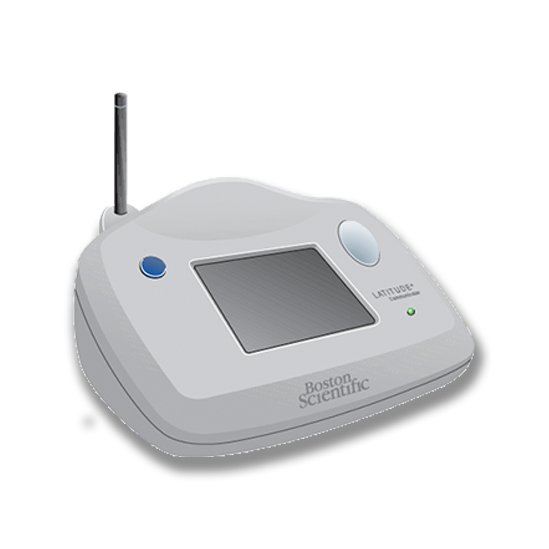
Latitude 6476 Communicator

Latitude 6476
Communicator
Patient Manual →

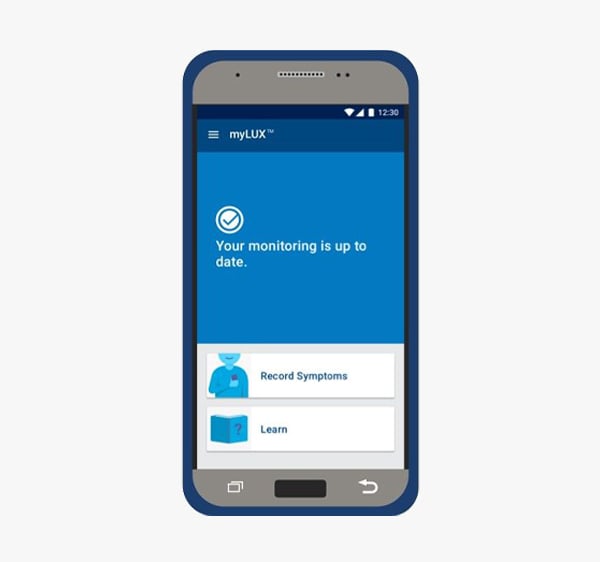
 MyLUX Patient App

MyLUX
Patient App

Sending a Manual Transmission →

Setting Up Your myLUX Patient App →

Using Your myLUX Patient App →

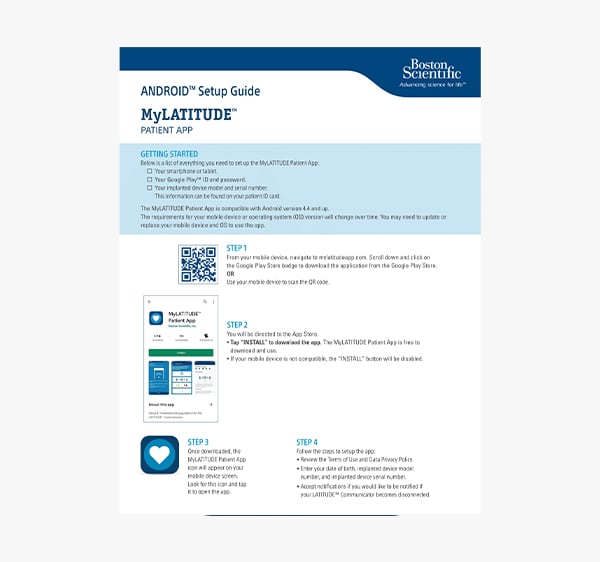
myLATITUDE Patient App

myLATITUDE
Patient App

iPhone Guide →

Android Guide →

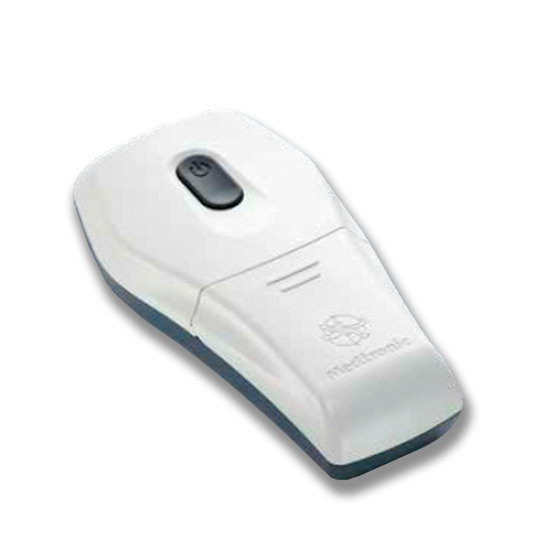
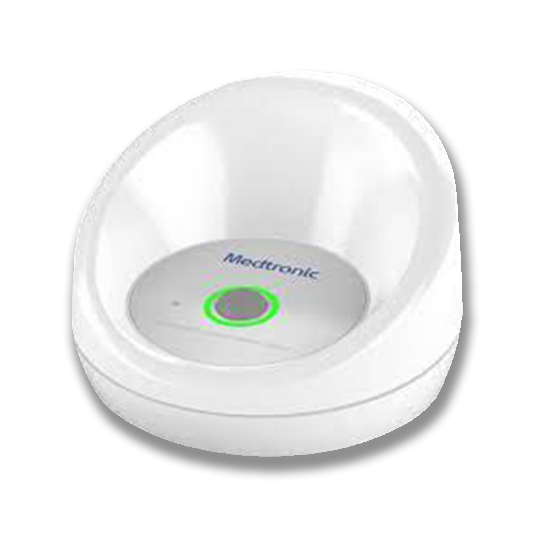
Saupload Medtronic
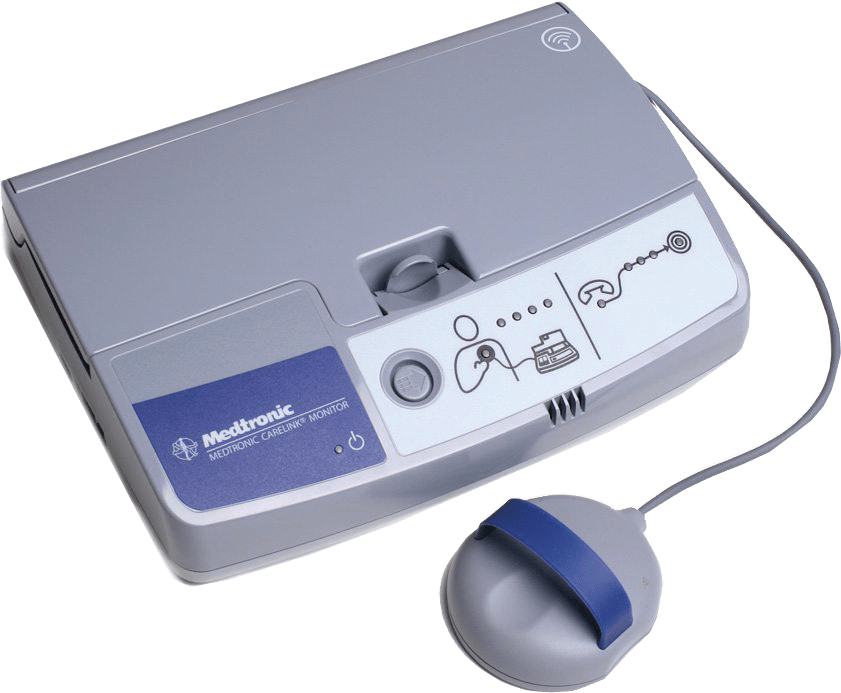
 Carelink 2490 Monitor

Carelink 2490
Monitor

Tips for Use →
Cellular Adaptor Info →

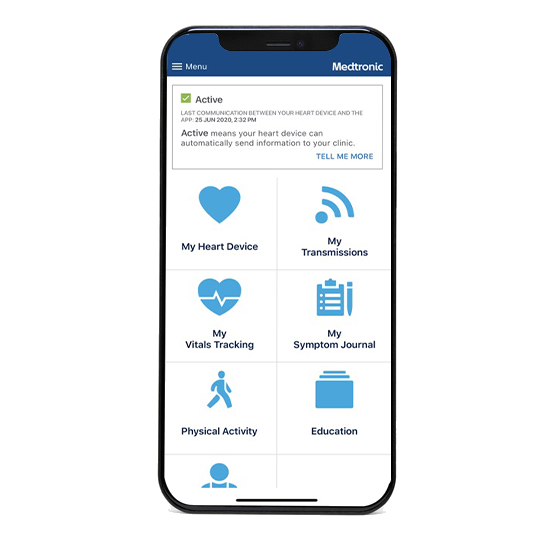
MyCareLink Heart App

MyCareLink Heart App

Mobile App Download →
Get Started Video →
Android Setup Guide →
iPhone Setup Guide →
Linq II Overview →
Pacer ICD Overview →


MyCareLink Monitor 24950

MyCareLink
Monitor 24950

Setup Guide →
Error Codes →
FAQ  →

MyCareLink Smart Reader

MyCareLink
Smart Reader

Patient Brochure →
Troubleshooting Guide →

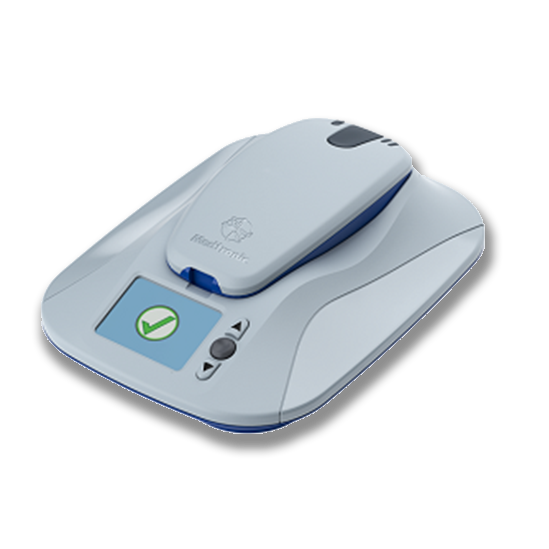
 MyCareLink Relay Monitor

MyCareLink
Relay Monitor

Setup Video →
WIFI Tip Card →

PM_PA_Logo

Platform

  • Software
  • Service
  • Data & Analytics
  • Ambulatory
  • PaceArt Optima

Solutions

  • For Physicians
  • For Administrators
  • For Clinic Staff
  • For IT
  • By EHR
  • Research

Pricing

    Events

    OnDemand Webinars

    Better Monday Mornings - One Clinic's Journey to a Smoother Workweek.
    Tackling Operational Inefficiencies in Cardiac Remote Monitoring Part I: Leveraging Data
    Tackling Operational Inefficiencies in Cardiac Remote Monitoring Part II: Strategies Utilizing Data for Long-Term Success

    Learning Center

    • Quick Guides
    • Case Studies
    • Videos
    • Webinars
    • Blogs

    Company

    • About Us
    • Our Team
    • Careers
    • Contact us
    • Legal

    Patient

    • Patient Portal
    Cutting Through the Noise: An Innovative Approach to Cardiac Remote Monitoring
    Leveraging Analytics to Drive Clinical and Operational Strategies
    Your Questions Answered: The PaceArt Acquisition Explained + PaceMateLIVE™

    ©2026 by PaceMate®. All Rights Reserved.

    |
    • Privacy Policy